U.S. Fans: Prepare for 10 to 1 Demand in Ticketmaster Smart Queue


Ticketmaster Smart Queue is the platform’s virtual waiting room that blocks bots, paces fans into an onsale, and hands out access to interactive seat maps in order. Joining early doesn’t buy you tickets; it only earns you a fair shot when checkout opens. Sign in ahead of time, use one device and browser, and keep your payment method and phone number current, because the sale itself is still first-come, first-served once your turn arrives.
TL;DR:
Joining the queue within 15 to 30 minutes before the sale opens confirms your readiness but does not influence your position, which is randomized at release.
Using presale codes or Verified Fan registration often places you in a smaller, less crowded queue, significantly improving checkout chances.
Avoid multiple devices, browser extensions, or manual page refreshes, as these actions can trigger flags and reduce your likelihood of securing tickets.
Signing in the night prior, updating payment information, and pre-filling billing details streamline checkout and prevent delays during high-demand sales.
Ticketmaster’s pacing system aims to reduce server crashes and bots, but still requires pragmatic preparation; there are no reliable shortcuts to bypass the system.
Table of Contents
How Ticketmaster’s Queue System Actually Works
Smart Queue runs in three stages, and each one exists to solve a specific problem. First comes the waiting room, which typically opens before the advertised onsale time. You sign in, land on a holding page, and wait for the clock to hit zero. This isn’t decorative. Ticketmaster’s own help center describes the queue as a security layer that screens out bots before they ever reach a seat map.
When the sale goes live, the system assigns each fan a randomized place in line and releases people into checkout in controlled batches rather than all at once. That pacing is deliberate. Ticketmaster’s business page for Smart Queue frames it as a tool to protect ticket access while also maximizing sell-through for the event, meaning fewer stuck carts and fewer server crashes during high-demand drops.
Once you’re let in, you get an interactive seat map, a shopping cart, and a countdown. Here’s what that stage looks like in practice:
You select seats or let Ticketmaster’s best-available option pick for you.
A hold timer, generally around 10 minutes, locks your selection while you complete checkout.
If the timer expires, those seats release back into inventory for the next fan in line.
Payment and delivery details need confirmation before the sale finalizes.
The Ticketmaster blog notes this structure exists to cut down on checkout errors that used to strand fans mid-purchase during chaotic onsales. It’s not foolproof, but it’s a meaningful upgrade from the free-for-all click race of years past.
Waiting Room Timing and the Rules That Matter
Getting into the queue is easy. Staying eligible through checkout requires following a short list of rules that Ticketmaster enforces strictly.
Join shortly before the onsale time. Arriving too early or too late doesn’t improve your queue position, since placement is randomized at the moment the sale opens, but joining within that window confirms you’re signed in and ready.
Check whether you need a presale code or link. Presales run on separate access rules, and a code from an artist, credit card partner, or fan club can open a queue hours before the general public even sees one.
Use one account, one device, and one browser tab per event. Opening multiple tabs or logging in from a second device doesn’t multiply your chances. It often flags your account instead.
Never manually refresh the page. The help center is explicit that the queue auto-refreshes on its own, and forcing a manual reload can knock you out of your spot or read as suspicious activity.
If you’re eyeing multiple show dates, open separate browser tabs for each event rather than juggling devices, since that keeps you within the single-device guidance while still covering your options.
What to Do When the Queue Throws an Error
Errors happen, especially during a major onsale when millions of fans hit the system at once. The fix is almost always simpler than it feels in the moment.
Read the on-screen message before doing anything else. It usually tells you exactly what went wrong.
If you hit a login or loading error, sign out completely and sign back in rather than refreshing repeatedly.
If your account activity gets flagged or suspended, verify your email address and phone number and follow the recovery steps in Ticketmaster’s help center. Ticketmaster’s terms of use outline the acceptable-use standards behind those flags.
If the queue closes before your turn or you lose your spot, check the event page later. Ticketmaster occasionally releases holdbacks or added dates after the initial rush.
Multiple simultaneous logins, browser extensions that auto-click, or rapid page reloading are the most common triggers for a bot-detection flag. Avoid all three.
Tactics That Actually Improve Your Checkout Odds
Preparation does more heavy lifting than luck in a Smart Queue onsale. A few habits consistently separate fans who check out cleanly from fans who watch their cart time out.
Start with your account itself. Sign in the night before, confirm your saved payment method is current, and pre-fill your billing address so checkout takes seconds instead of minutes. Clear out any old items sitting in your cart, since a cluttered cart has caused more than one fan to accidentally add the wrong ticket type in the rush.
Device choice matters more than people expect. The Ticketmaster app, available on iOS and Android, tends to run leaner during high-traffic sales and pushes notifications when it’s your turn. A desktop browser gives you a bigger seat map and easier navigation once you’re in. Pick whichever one you can watch without distraction for the full window.
Inside the queue itself:
Keep the tab or app open and in the foreground; backgrounding it can delay your entry.
Turn on sound or push notifications so you don’t miss the moment your turn comes up.
Skip manual refreshing and skip opening a second browser as a “backup,” both of which risk a flag.
Pro Tip: Presale codes and Verified Fan registrations don’t just get you in earlier. They often route you into a smaller, less crowded queue than the general onsale, which meaningfully improves your checkout odds.
Set your expectations honestly. Even flawless prep doesn’t guarantee tickets when demand outpaces supply by ten to one. Have a fallback plan ready, whether that’s tracking price drops closer to the show date or knowing where to check for legitimately resold seats.
Why This Guidance Holds Up
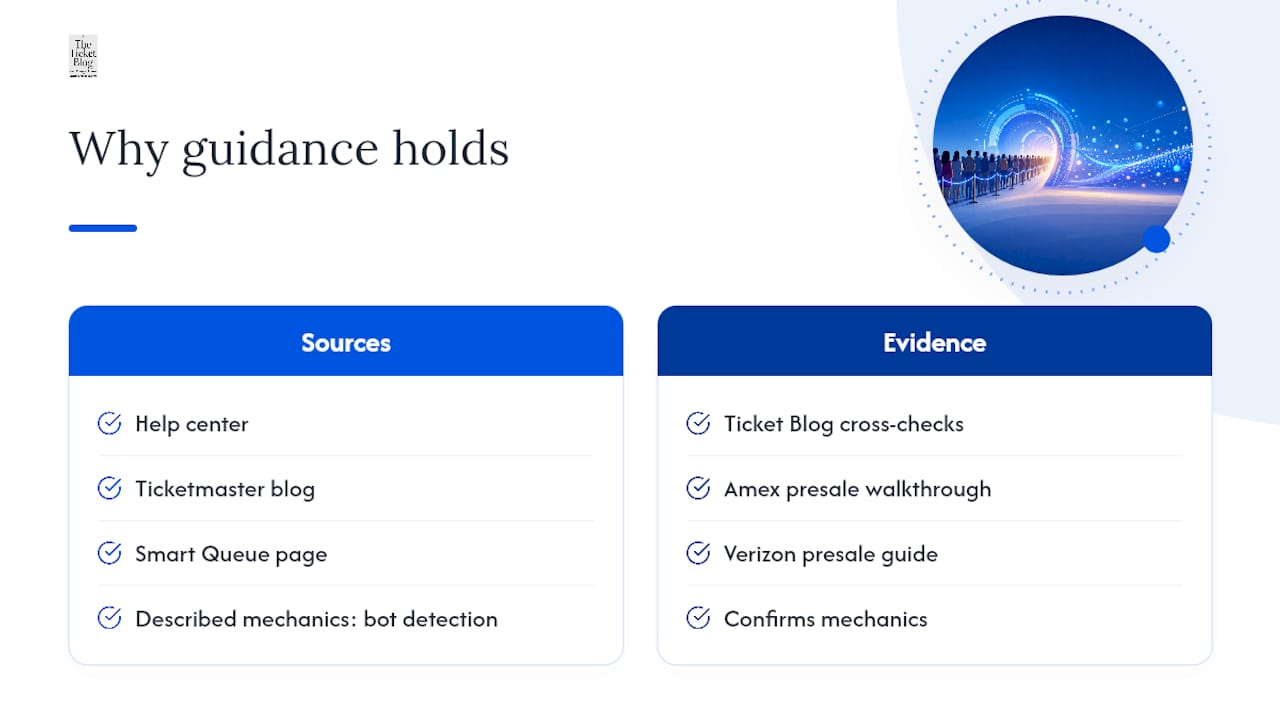
This advice leans on Ticketmaster’s own operational rules, not guesswork. The help center, the Ticketmaster blog, and the Smart Queue business page all describe the same mechanics: bot detection, paced entry, and randomized placement. The Ticket Blog has cross-checked those mechanics against real presale outcomes, including its Amex presale walkthrough and Verizon presale guide, both of which confirm that early linking and legitimate access codes consistently outperform trying to game the general onsale.
Realistic Expectations Beat Clever Tricks
There’s no reliable shortcut around Smart Queue, and the fans who chase one usually lose more time than they save. Use presales and Verified Fan access when you have them; they’re the legitimate edge the system actually offers. Smart Queue reduces bot traffic, but it hasn’t eliminated scalpers or automated buying, so pragmatic prep still beats hope. Bookmark sites offering onsale checklists before your next big date drops.
— The Ticket Blog
Get Ahead of Your Next Onsale
Some resources turn the guesswork out of onsale day into a repeatable routine, built from real presale case studies instead of forum rumors. If the tactics above helped, the Summer Concert Ticket Buying Checklist for 2026 walks through the exact prep steps, from account settings to payment info, in one printable rundown.
For fans who miss the initial drop, some resources also break down how to find concert ticket deals after the first wave sells out, including how to read secondary-market pricing without overpaying. None of this guarantees a seat at face value. What it does is put you in a stronger position every time a queue opens. Start with the checklist, save it, and pull it up the next time an onsale date lands on your calendar at The Ticket Blog.
Sources
For verification: Ticketmaster’s queue help article, the Ticketmaster blog explainer, and the Smart Queue business page. For tour context, see Lit Nightz News on summer hip hop tours.
FAQ
Is there a way to bypass the Ticketmaster queue?
No legitimate way exists to skip the queue entirely. Presale codes and Verified Fan registration can move you into an earlier, smaller queue, but every path still runs through Smart Queue’s pacing system.
Is the Ticketmaster waiting room random?
Yes. Your position is randomized once the sale opens, regardless of how early you joined the waiting room within the recommended 15 to 30 minute window.
Is Ticketmaster Smart Queue used for events across the United States?
Yes, Smart Queue runs on high-demand onsales nationwide, including shows at major U.S. venues, and is available through both the desktop site and the Ticketmaster app.
How do I get a better spot in the Ticketmaster queue?
You can’t improve your randomized position, but you can improve your checkout odds by signing in early, updating your payment details, and using a presale code when one is available.
Why does Ticketmaster tell you not to refresh the page?
The queue auto-refreshes on its own, and manually reloading can disrupt your session or trigger a bot-detection flag that removes you from the line.
Recommended


Comments